Pretty Avatar Maker
0 plays


Pretty Avatar Maker
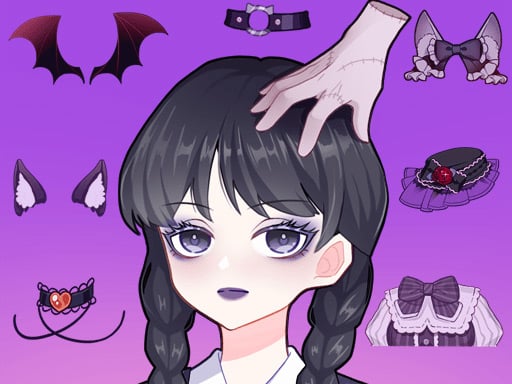
Pretty Avatar Maker offers customization as its core mechanic, allowing adjustments to facial features and hair colors with simple clicks. I find the controls for eye shape and lip color are straightforward to use.
How To Play Pretty Avatar Maker
Click different parts of the avatar to start, then select from various jewelry and accessories to elevate your look.
Controls and Features
Buttons let you change every aspect of your character, including facial features and hair colors. There is a button for choosing eye shape and lip color, plus a random selection button.
Tips
Most players find using the random selection button is faster than picking every detail. You can adjust facial features and hair colors easily.
Pretty Avatar Maker FAQs.
Q: What are the controls? A: Buttons to change aspects and a random selection button.
Q: What is the objective? A: To finalize a stunning look for your avatar.
Q: Is there a random selection feature? A: Yes, there is a random selection button.
Q: What is the main mechanic? A: Customization using clicks and buttons.
Similar Chibi Avatar Customization Game
Start clicking to change facial features and hair colors, I think the controls are simple, try Mega Kawaii Chibi Avatar Maker for more customization fun, adjust eye shape and lip color quickly.
About this game
- Supported devices
- Desktop
- Genre
- Girls Games
- Release date
- 17 November 2024
- Latest update
- 17 November 2024
- Rating
- No ratings yet

Kuromi Maker
Anime Avatar Creator

Matryoshka Maker

Pumpkin Carving
Doll Creator
Cute Little Dragon Creator
Nastya Cute Blogger
Lovely Doll Creator
Babysitter Daycare
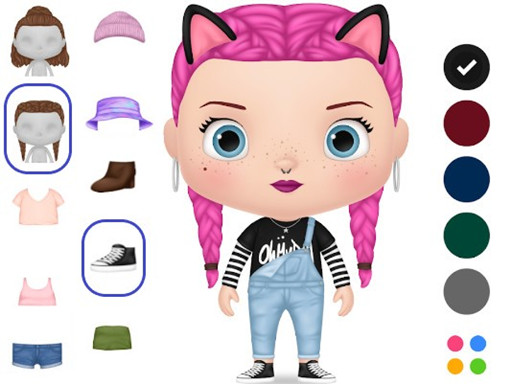
My Doll Avatar Creator
The Puppy Paper Cut
Pet Doll Creator
Lucky Doll
Cute Chibiusa Maker

Besties Room Deco
Dream Doll Boutique

Violet Doll My Virtual Home
Forest Boutique Little Tailor
Hatch Cute Bunnies
Repair Of The House
Cute Bear Honey
Sky Fairy Dressup

Babysitter Party Caring Games

Avatoon Avatar Maker