 CoolCrazyGames
Painting Games
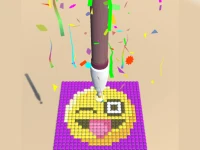
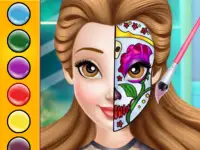
Painting games focus on applying color to surfaces and completing visual objectives. They often involve selecting hues and filling areas with precision. The player usually works toward a finished image or pattern. Many titles in this genre rely on simple click or tap actions. The core loop involves choosing a tool and making a mark. The goal is to see a picture emerge from a blank canvas. This experience can be found in many digital painting games.



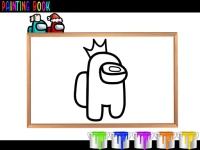













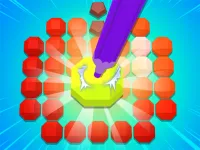
Getting Into painting games
Steadily use the mouse or touch input to select colors and fill outlined shapes on the canvas to complete the artwork.
Core Experience
The player selects a color from a palette and applies it to specific numbered or outlined regions. The primary objective is to match the intended color scheme for the entire image. Success is measured by how accurately the final result matches the source design. This process defines the core loop in many painting simulation games. The interface typically presents a line art waiting for color application. The player works methodically across the available surface. The result provides a sense of visual completion. This method is central to most digital painting games. The activity is generally calm and focused on execution.
Pro Advice
Focus on filling larger areas first to establish the base colors before moving to smaller details. Use the zoom function if available to paint inside tight boundaries accurately. Check the reference image often to ensure color placement remains correct. This approach is vital for success in paint by numbers games.
painting Facts
Q: What are the typical controls? A: Controls usually involve a mouse or touch input to select and apply color.
Q: What is the main objective? A: The main objective is to fill the canvas with the correct colors to reveal an image.
Q: Is there a specific story? A: Not stated.
Q: What is the main mechanic? A: The main mechanic is selecting colors and applying them to designated areas.