








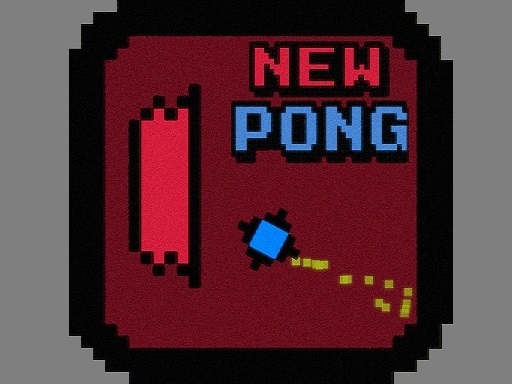


Newpong Multiplayer
Newpong Multiplayer offers a classic game with a multiplayer focus. The game has split-screen sessions and online matches. i find the competition enjoyable.
How To Play Newpong Multiplayer
Step to start a match, use mouse or keyboard to move paddle, click to launch ball.
Controls and Features
Controls use a mouse or keyboard to move the paddle up and down. Power-ups are activated by clicking on them when they appear.
Tips
Quick tip, the power-ups are key to winning. Most players use power-ups at the right moment. You must click to launch the ball.
Newpong Multiplayer FAQs.
Q1 Controls: A: Mouse or keyboard to move paddle, click to launch ball.
Q2 Objective: A: Keep the ball in play and score points.
Q3 Features: A: Power-ups and split-screen sessions.
Q4 Main Mechanic: A: Multiplayer gameplay.
Similar Multiplayer Arcade Game With Split-Screen
Start playing this classic multiplayer game, I find the competition really enjoyable, use mouse or keyboard to move the paddle and click to launch the ball for Gorilla Multiplayer with split-screen sessions and online matches.
About this game
- Supported devices
- Desktop
- Genre
- Multiplayer Games
- Release date
- 17 November 2024
- Latest update
- 17 November 2024
- Rating
- No ratings yet