 CoolCrazyGames
Catchy Ball
Catchy BallSimilar games







Catchy Ball
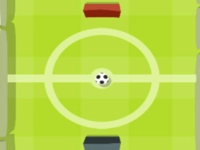
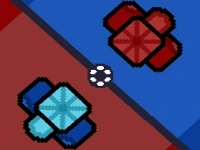
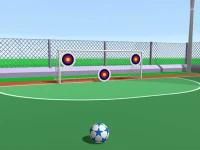
Plain graphics are the first thing i notice in Catchy Ball.
Plain graphics are the first thing i notice in Catchy Ball. The game challenges your reflexes and timing to stop the ball.
How To Play Catchy Ball
Tap the screen to stop the ball, and react fast to obstacles and power-ups.
Controls and Features
You must stop the ball from moving forward using clicks or taps. The game has obstacles and power-ups that appear, with increasing difficulty through levels.
Tips
Most players must click at the right moment to stop the ball. Use power-ups and focus on the ball to handle obstacles.
Catchy Ball FAQs.
Q: What are the controls? A: Click or tap to stop the ball.
Q: What is the objective? A: Stop the ball from moving forward.
Q: What is a stated feature? A: Obstacles and power-ups appear.
Q: What is the main mechanic? A: Timing and reflexes to stop the ball.
Similar Reflex Timing Arcade Game
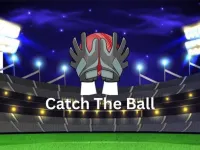
Start by tapping the screen to stop the ball and react fast to obstacles, I think the plain graphics work fine. Use Catch The Ball as a reference for the core gameplay and timing. Master the controls and power-ups to handle increasing difficulty, focusing on reflexes and objectives.
About this game
- Supported devices
- Desktop
- Genre
- Sports Games
- Release date
- 17 November 2024
- Latest update
- 17 November 2024
- Rating
- No ratings yet