 CoolCrazyGames
Unlock the Fun with Hamster Puzzle Keys
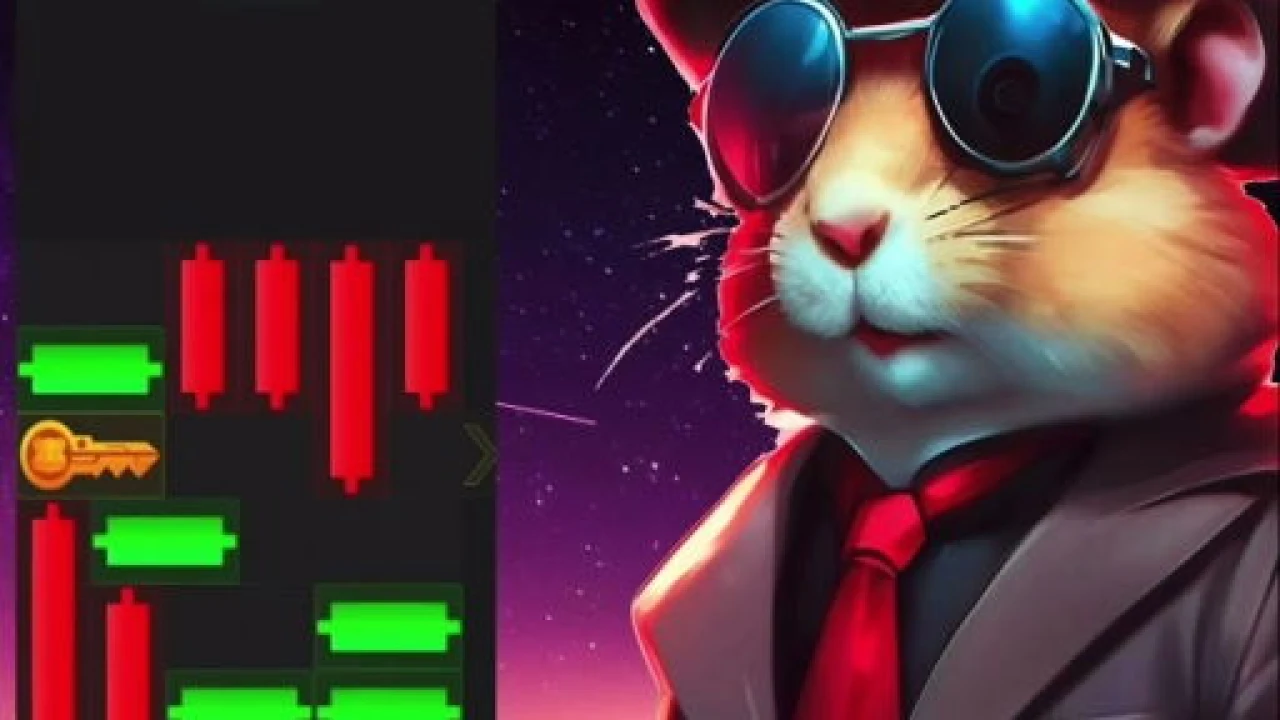
Hamster Puzzle Keys delivers a charming blend of puzzle-solving and action, inviting players to guide an energetic hamster through block-based challenges in a vibrant 2D world. This Unity-powered online game offers quick access through your browser, making it ideal for short sessions or extended play. The core loop revolves around collecting keys, avoiding obstacles, and using clever timing to clear each level, creating an experience that is both relaxing and engaging for puzzle enthusiasts.
The game stands out by combining simple controls with progressively complex layouts. Players navigate a hamster across a grid-like stage, pushing blocks and gathering keys to unlock the exit. Each move requires foresight, as missteps can lead to dead ends or force a restart. The 2D perspective keeps the action clear, while the Unity engine ensures smooth animations and responsive interactions. This balance of accessibility and depth keeps players returning for just one more attempt.
How to Master Block Movement
Success in this title hinges on understanding how blocks interact with the environment. You can push certain blocks to create paths or stack them to reach higher areas. Some blocks may be immovable, requiring you to find alternative routes. Observing the level layout before making the first move is crucial. A good strategy involves planning several steps ahead, especially when multiple keys are scattered across the stage. Practice builds intuition, and soon you will spot optimal paths instinctively.
Exploring the 2D Visual Style
The visual design uses bright colors and clean lines to create a cheerful atmosphere. The hamster character is animated with personality, reacting to movements and collisions in a way that feels lively. Backgrounds are uncluttered, ensuring the puzzle elements remain the focus. This 2D approach not only enhances performance but also makes the game easy to read on various screen sizes. The Unity foundation allows for crisp graphics that load quickly in any modern browser.
Why Online Accessibility Matters
Being an online game, it eliminates the need for downloads or installations. You can jump straight into the action from the provided play link. This convenience is perfect for casual gamers who want instant entertainment. The game loads efficiently, and progress is saved locally, so you can pick up where you left off. The online format also means you can enjoy it on different devices without losing quality or control responsiveness.
Strategies for Collecting Keys Efficiently
Keys are the gateway to progression, and grabbing them in the right order can save time. Some keys might be positioned behind obstacles that require specific block arrangements. Prioritize keys that open the most accessible doors first, then tackle the trickier ones. If a key seems out of reach, experiment with pushing blocks to create stepping stones. Patience is key; rushing often leads to overlooked solutions. Over time, you will develop a knack for spotting the best collection routes.
Challenges and Difficulty Curve
The game introduces new mechanics gradually, ensuring players are never overwhelmed. Early levels teach basic block pushing and key collection, while later stages add obstacles like movable barriers or timed elements. The difficulty curve is smooth, offering a sense of accomplishment with each cleared level. Even when a puzzle feels tough, the solution is always within reach through clever thinking rather than reflexes. This design makes it suitable for all ages and skill levels.
FAQ
Is Hamster Puzzle Keys free to play? Yes, it is a free online game that you can access directly through the provided link without any hidden costs.
Can I play on mobile devices? The game is built with Unity and runs in modern browsers, so it works on smartphones and tablets as well as desktops.
Are there time limits? Most levels are untimed, allowing you to think through each move carefully, though some challenges may introduce pace-based elements.
How do I save my progress? Progress is automatically saved in your browser's local storage, so you can continue from your last played level.
What if I get stuck on a level? Take a break and return with fresh eyes, or try experimenting with different block arrangements to discover new paths.