














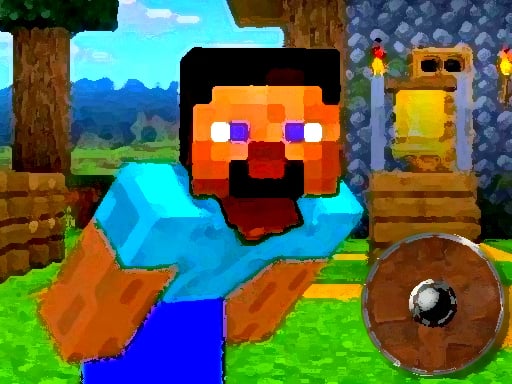


Minecraft World Adenture
Plain Minecraft World Adventure has wonky physics that make movement feel heavy and cause glitches. i sometimes get stuck, but the challenge keeps me playing because it is simple and addictive.
How To Play Minecraft World Adenture
Click to start, then use arrow keys or controller sticks to move and jump.
Controls and Features
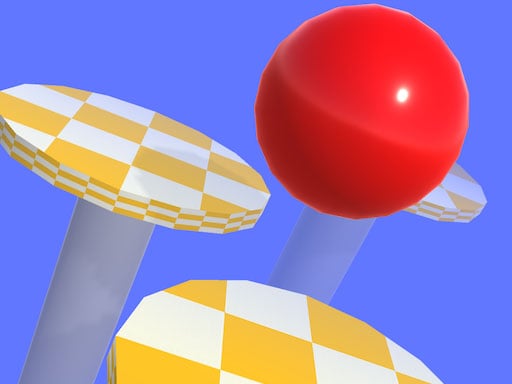
Controls include arrow keys or controller sticks for movement and jumping. Stated features are rotating platforms and safe zones.
Tips
Most tips suggest staying still for a second to reset the wonky physics. Jump at the last second on wobbling platforms to avoid falling.
Minecraft World Adenture FAQs.
Q: What are the controls? A: Arrow keys or controller sticks.
Q: What is a stated feature? A: Rotating platforms.
Q: What is the main mechanic? A: Wonky physics.
Another Heavy Physics Arcade Game
Use arrow keys or controller sticks to move and jump through rotating platforms, but stay still to reset the wonky physics because I love how simple it is, and Minecraft World Adventure keeps me playing despite getting stuck sometimes.
About this game
- Supported devices
- Desktop
- Genre
- Arcade Games
- Release date
- 17 November 2024
- Latest update
- 17 November 2024
- Rating
- No ratings yet